Video to GIF Maker
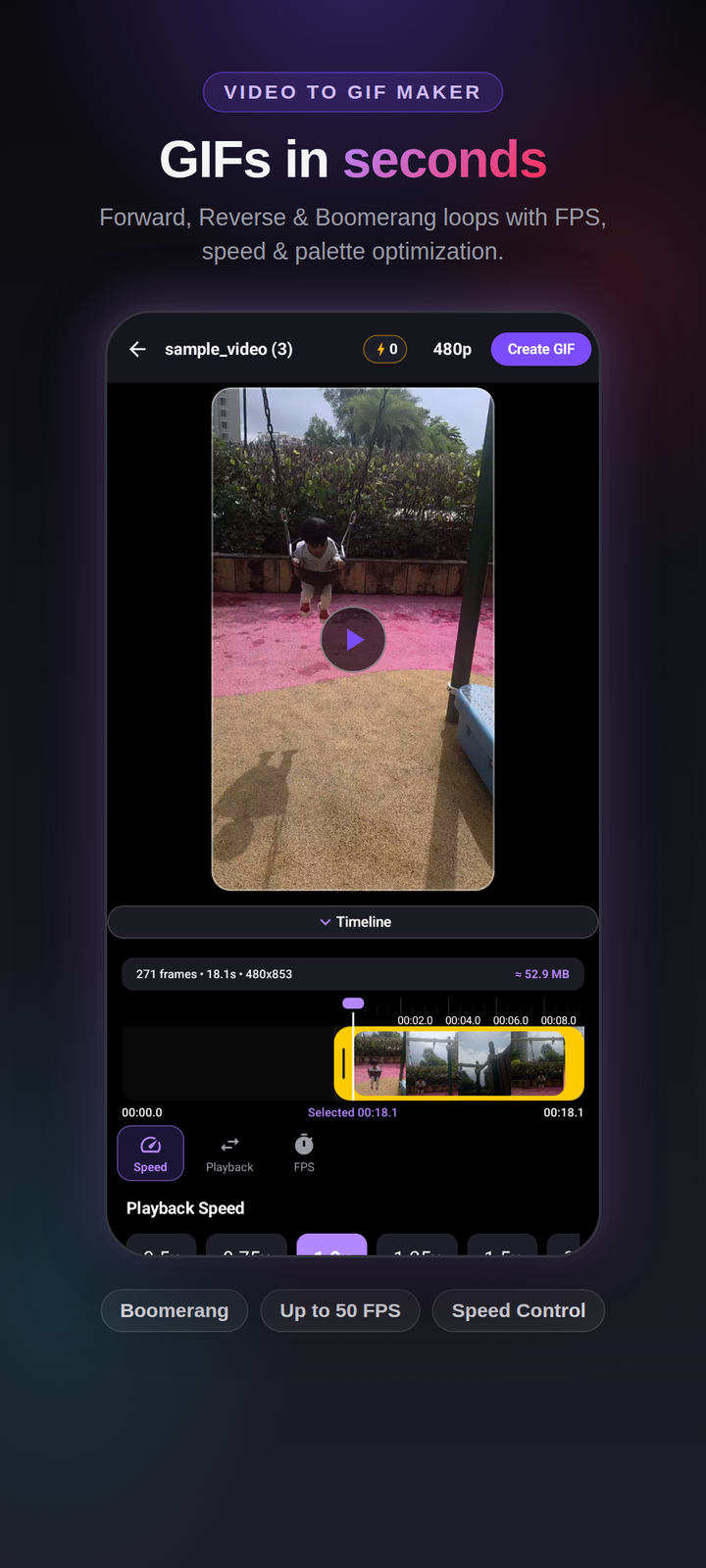
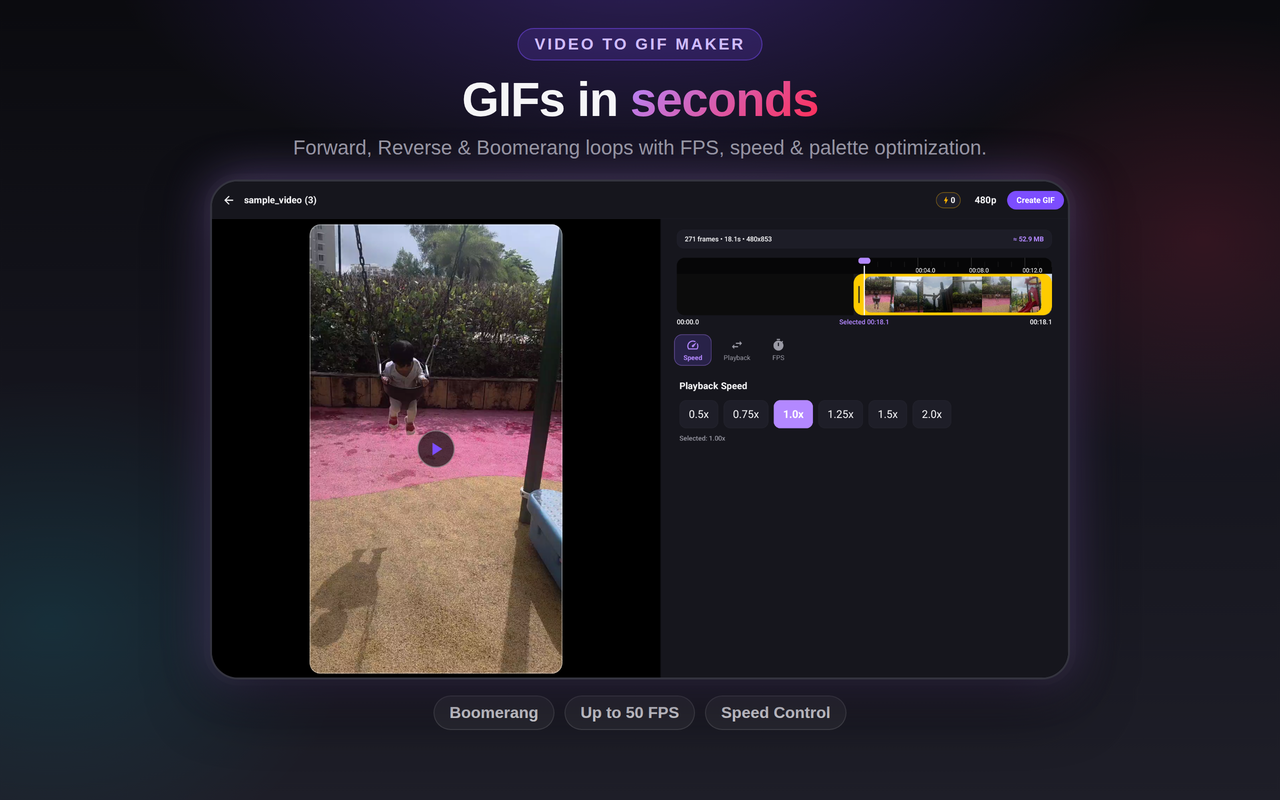
Convert video clips to lightweight animated GIFs. Choose Forward, Reverse, or Boomerang loop modes with custom frame rate (up to 50 fps), speed control, and optimized color palette dithering.
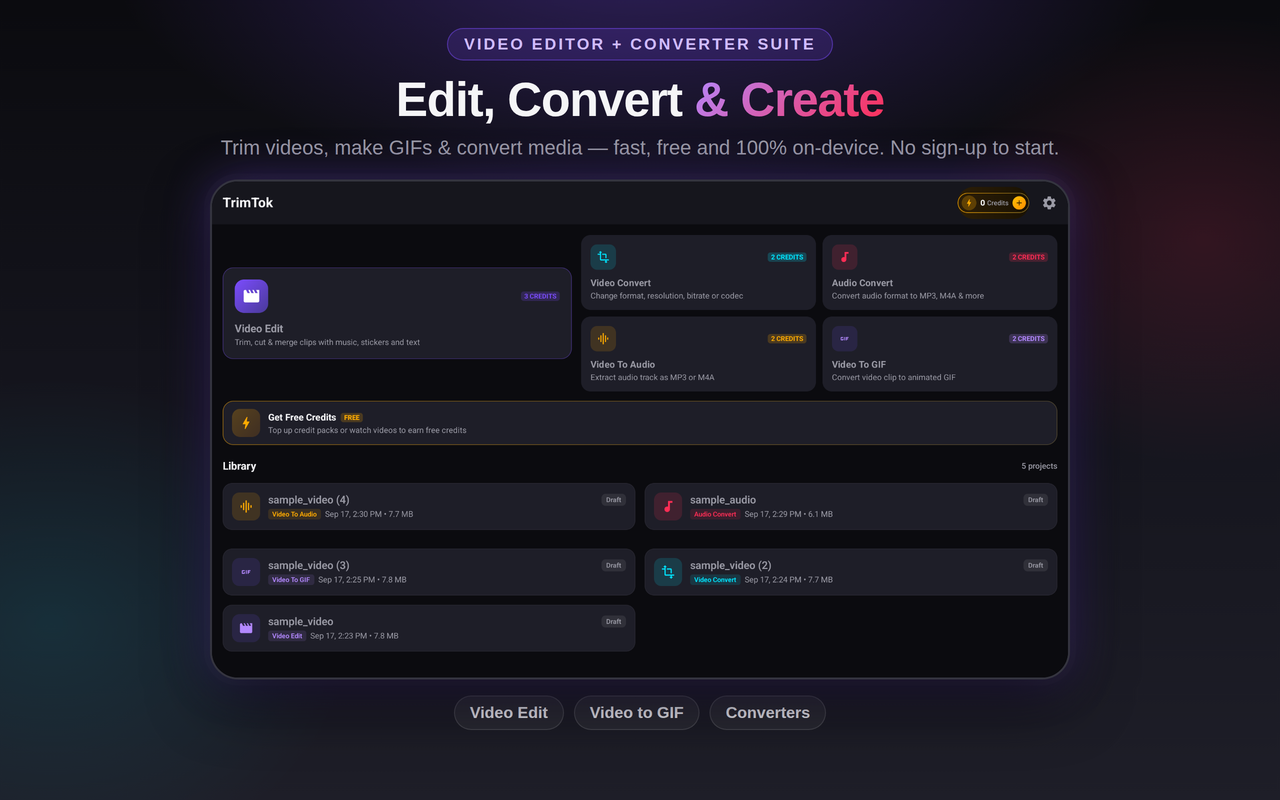
Fast, privacy-focused on-device video editing, Video to GIF maker, audio extraction, and media converter — built for creators.
Get it on Google Play — FreeReal app UI — dark premium theme on phone and tablet.
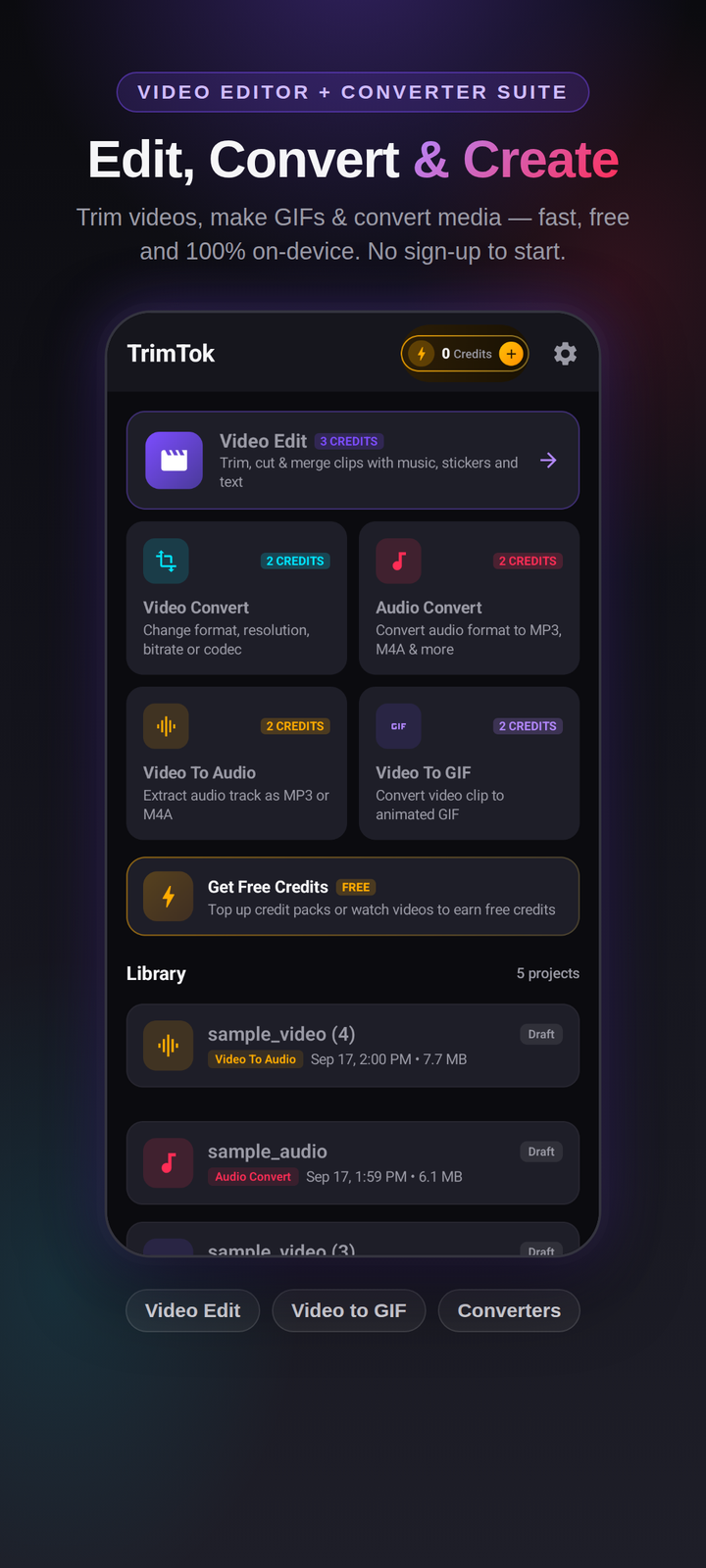
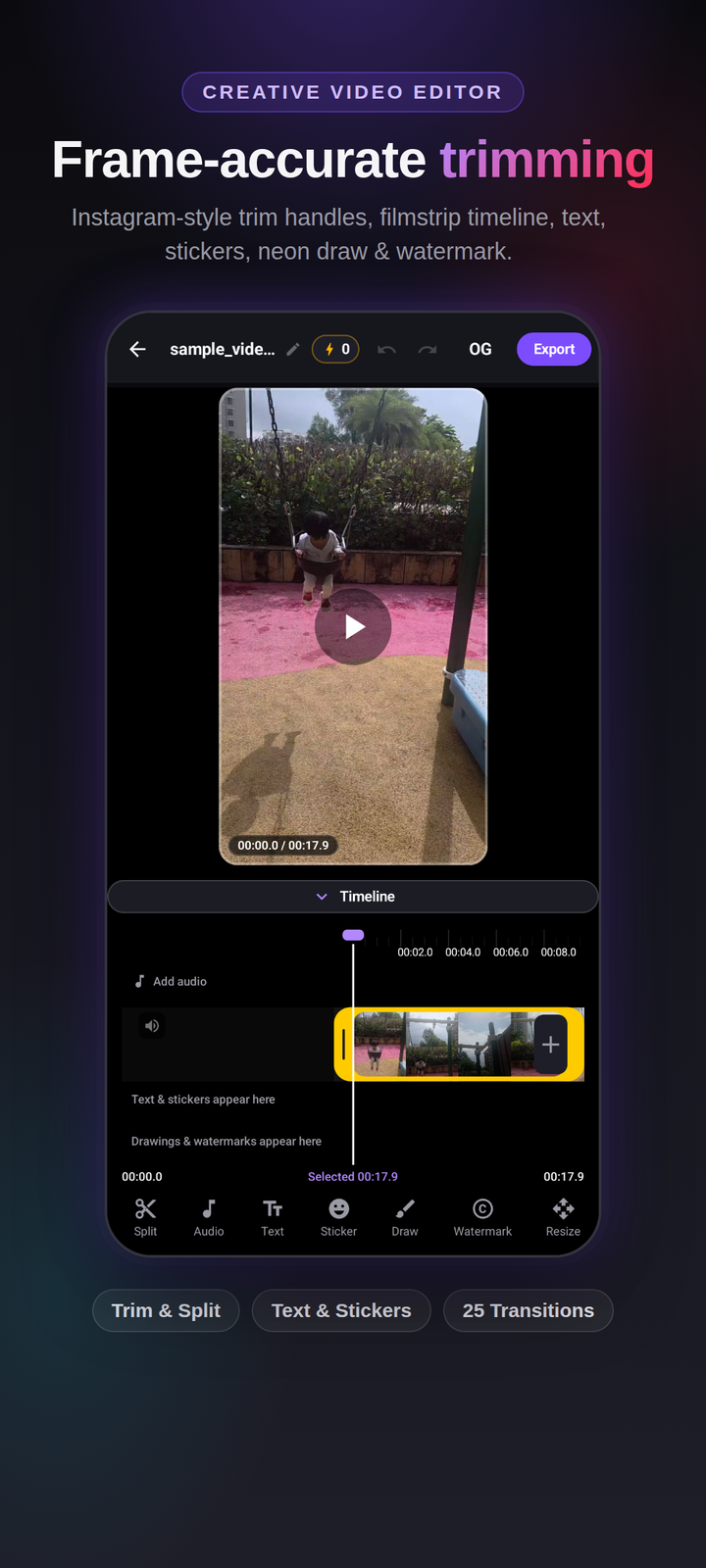
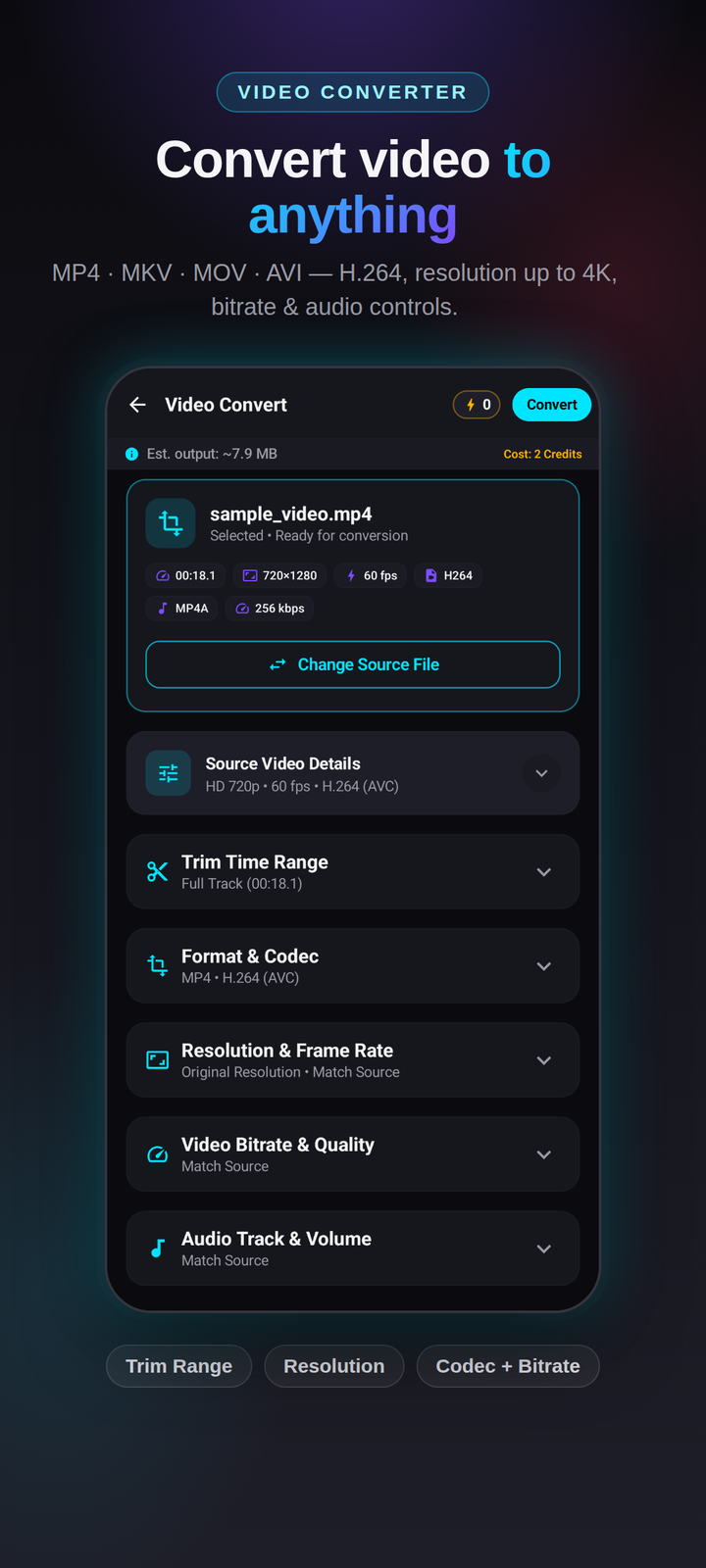
A complete mobile media suite that never uploads your files.
Convert video clips to lightweight animated GIFs. Choose Forward, Reverse, or Boomerang loop modes with custom frame rate (up to 50 fps), speed control, and optimized color palette dithering.
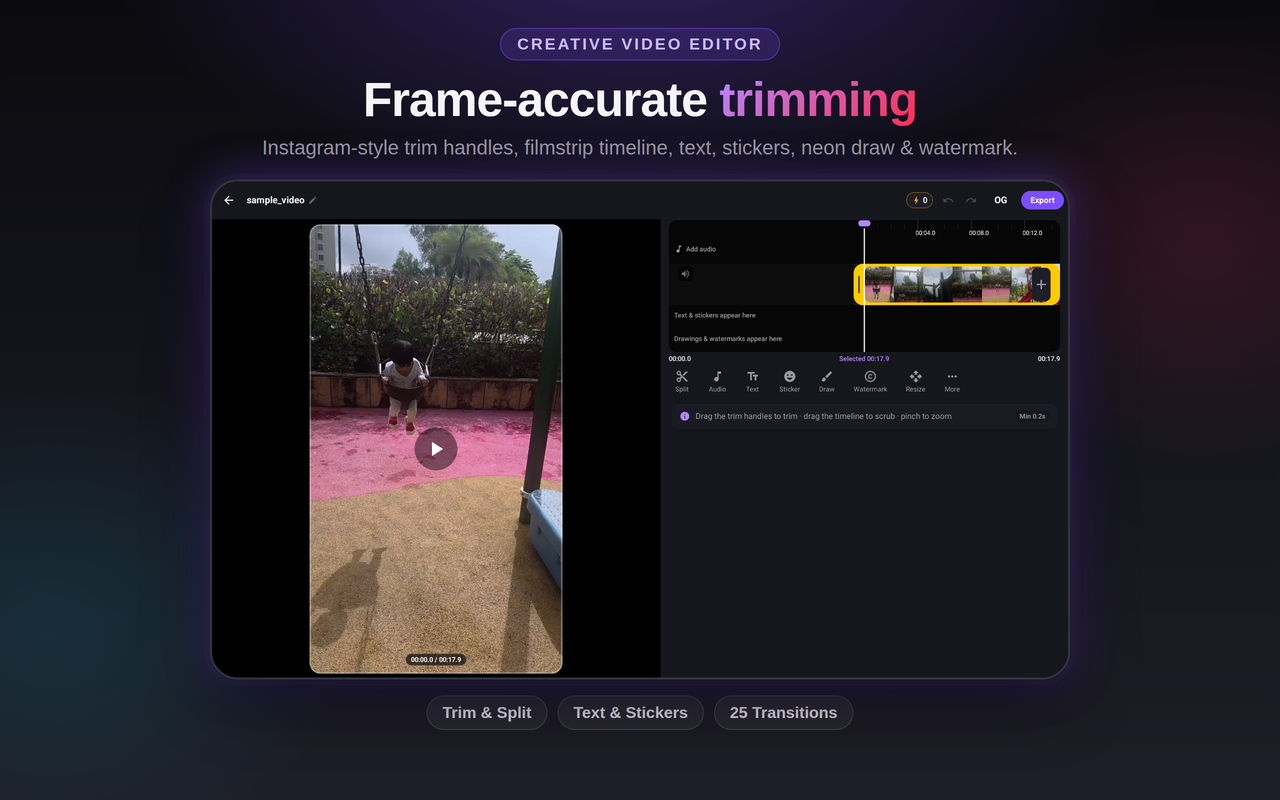
Frame-accurate trim handles over a filmstrip preview, just like the apps you already know. Cut and trim clips in seconds.
Multi-clip timelines, 25 cinematic transitions (Dissolve, Glitch, Film Burn, Light Leak, Whip, etc.), text overlays, stickers, freehand neon drawing canvas, crop, and watermark tools.
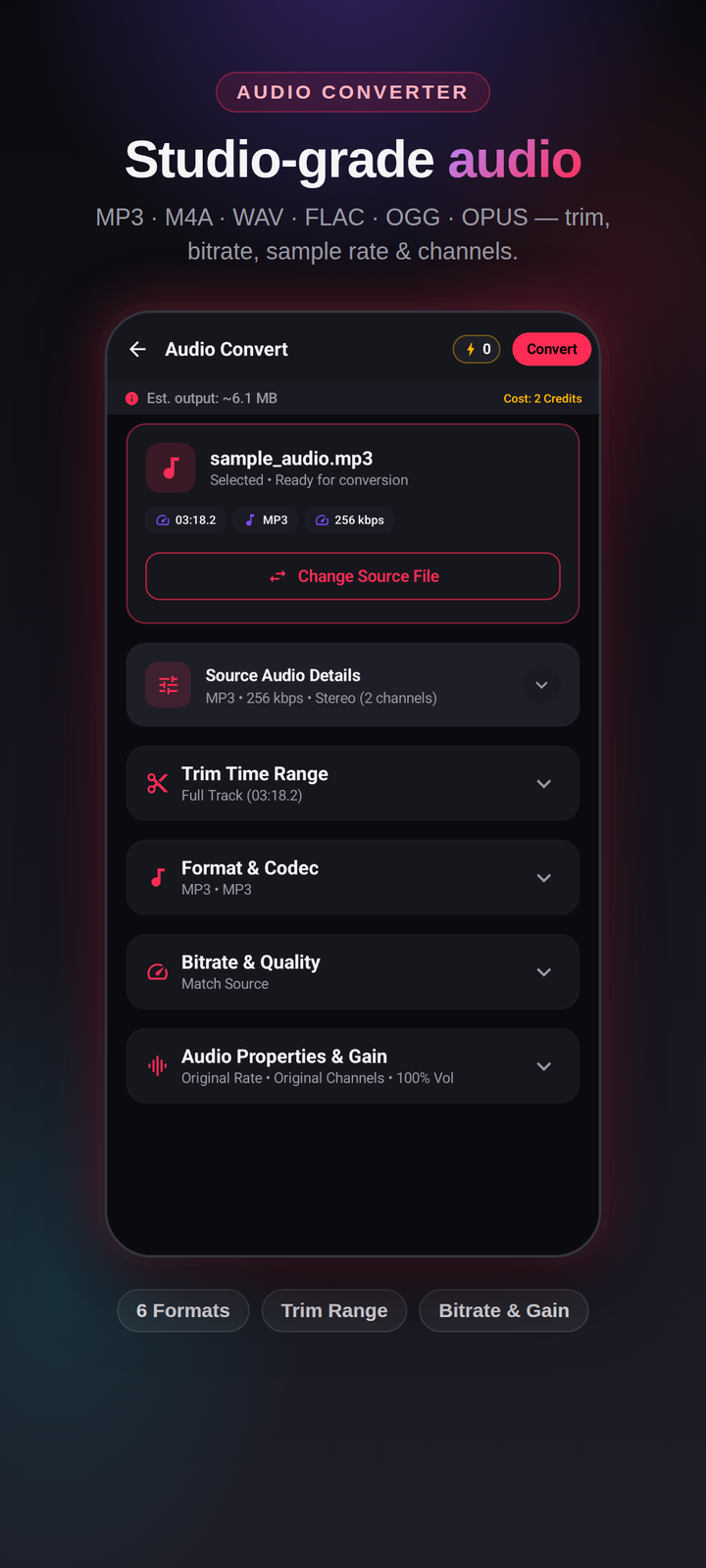
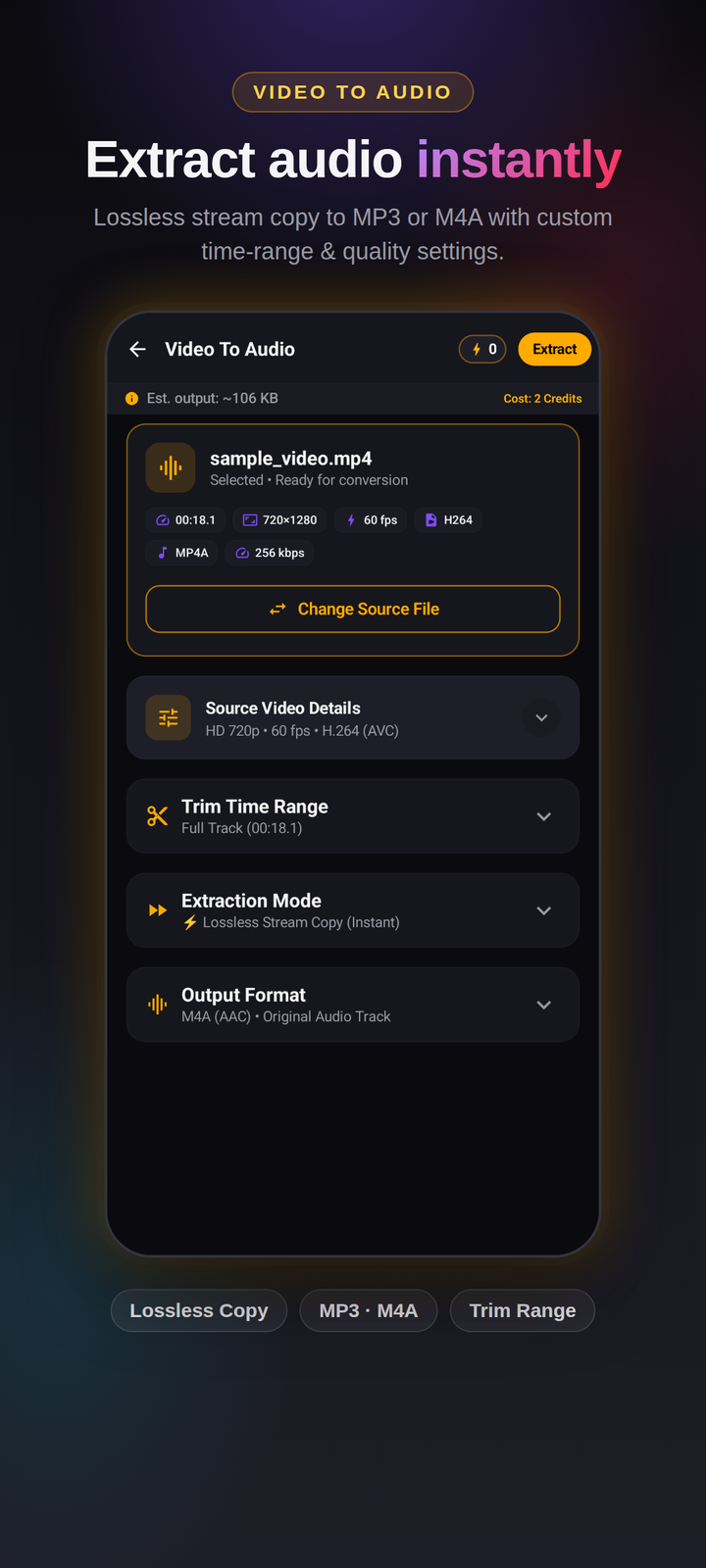
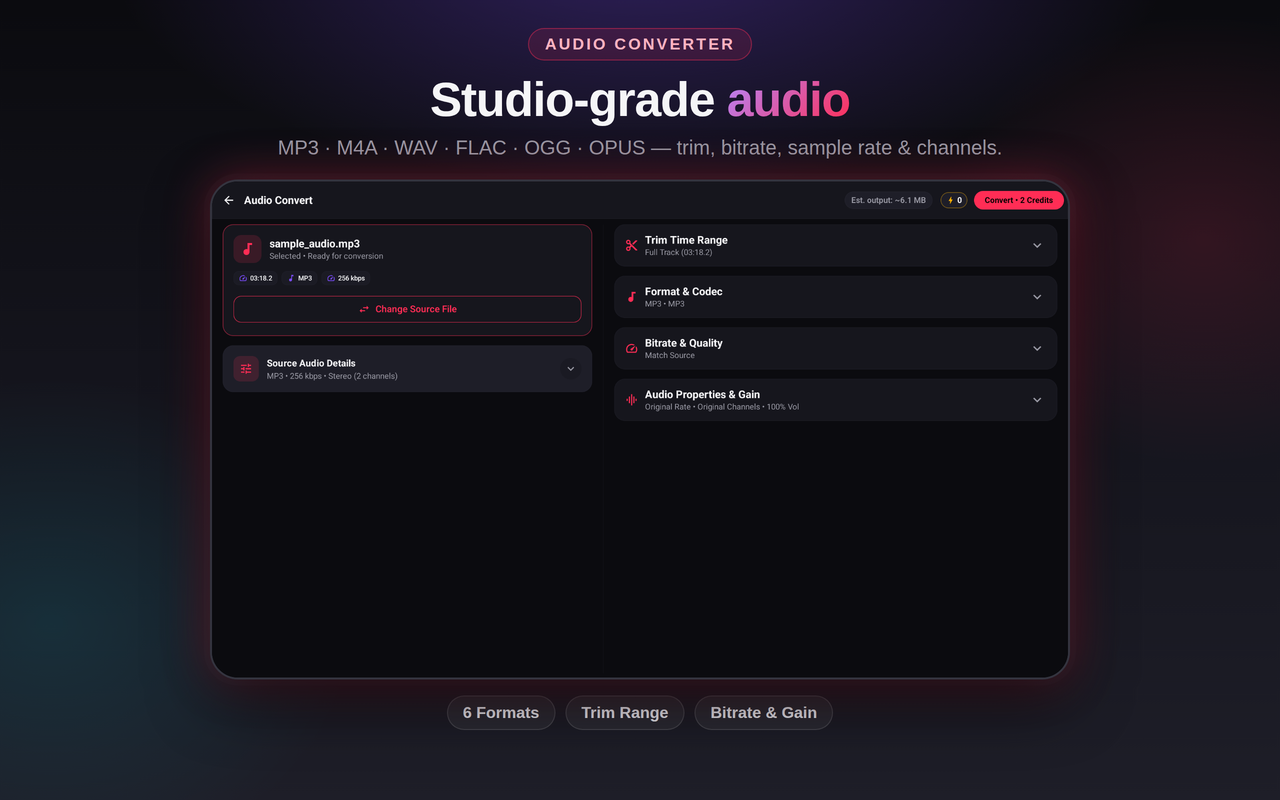
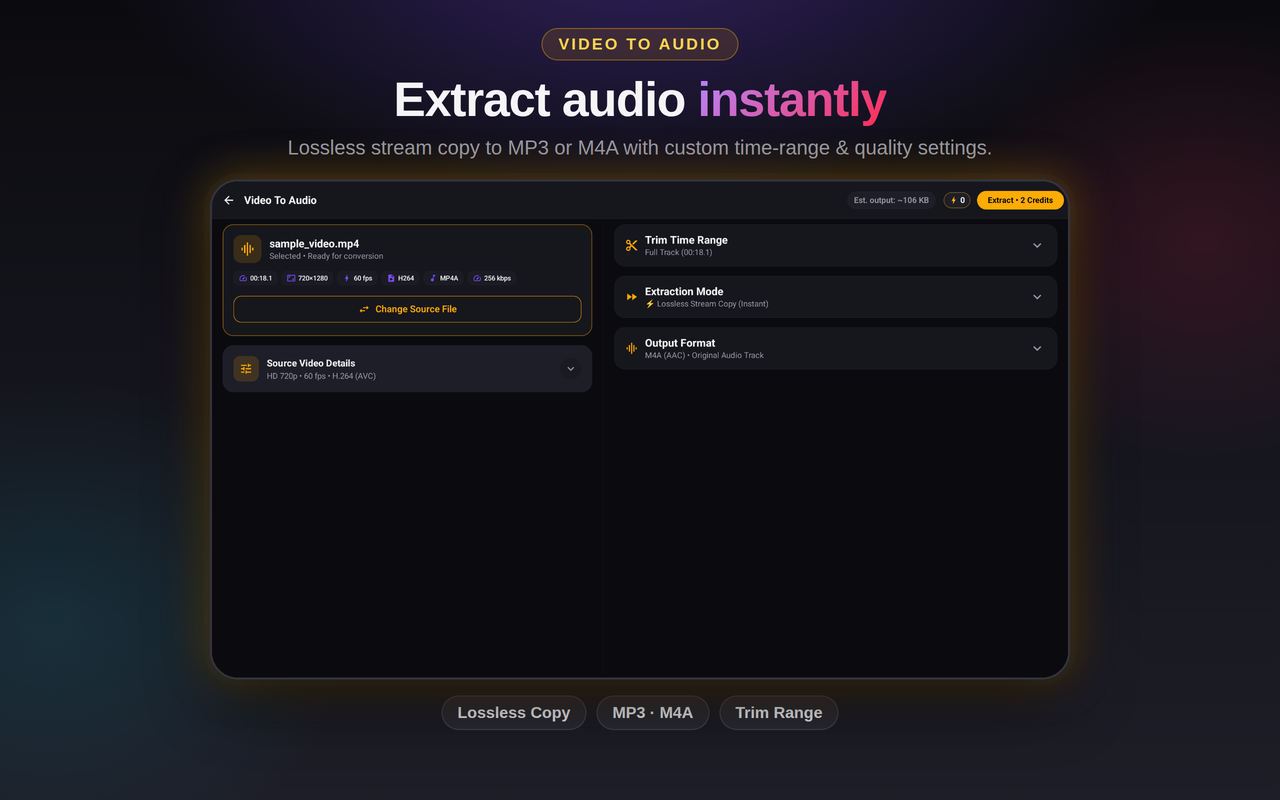
Extract audio tracks from any video into MP3, M4A (AAC), WAV, FLAC, OGG, or OPUS with custom time-range selection, bitrate presets, and sample rate controls.
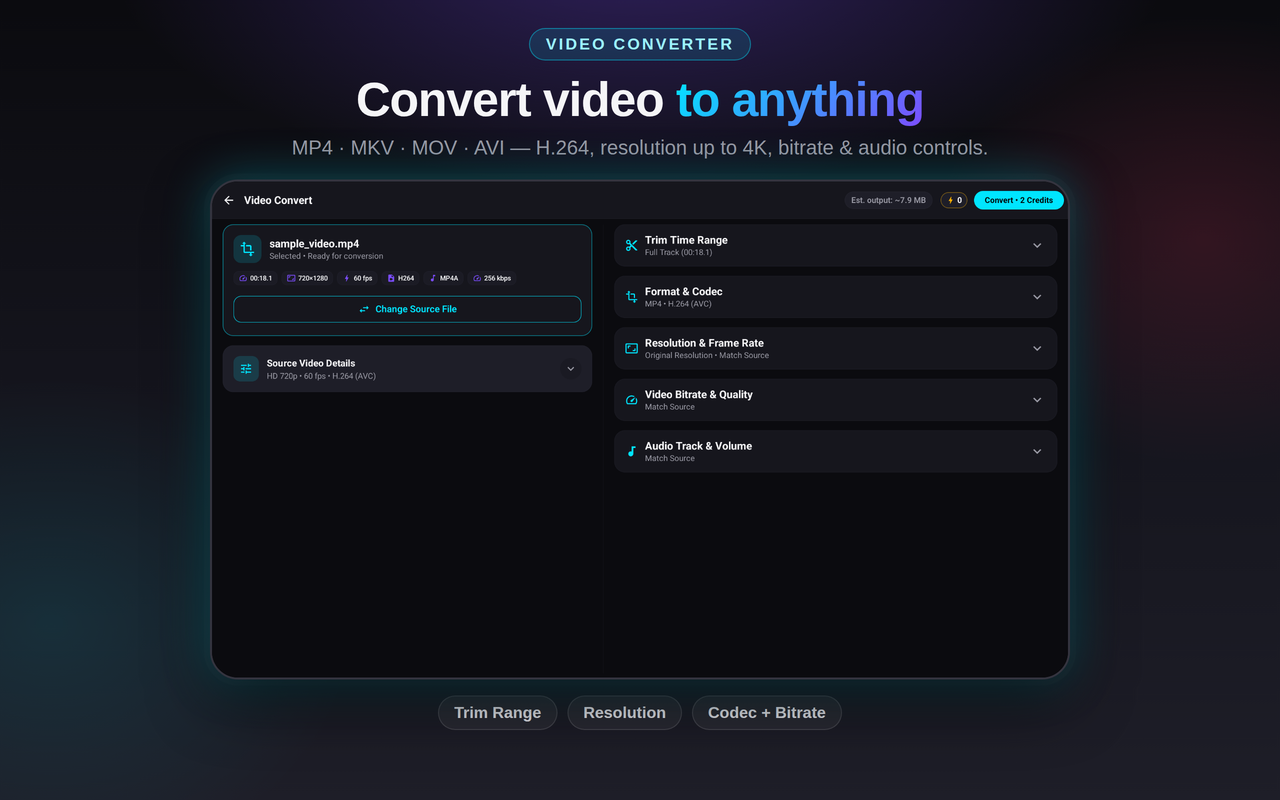
Transcode videos and audio across MP4, MKV, MOV, AVI, FLV, TS, 3GP, MP3, WAV, FLAC, OGG, and OPUS with hardware acceleration up to 4K resolution.
Exports run as background jobs with live progress notifications and cancel controls. Keep scrolling while it renders.
Every edit, trim, and conversion is processed 100% on your device. Your videos and audio never leave your phone.
Quick answers before you download.
Yes. TrimTok is free to download. Exports use credits, and you can earn credits for free by watching a rewarded ad.
Yes! TrimTok includes a dedicated Video to GIF tool with Boomerang looping, reverse playback, customizable FPS (up to 50 fps), speed adjustments, and color palette optimization.
TrimTok supports popular video containers (MP4, MKV, MOV, AVI, FLV, TS, 3GP) and audio formats (MP3, M4A (AAC), WAV, FLAC, OGG, OPUS) with hardware-accelerated encoding.
Editing, trimming, GIF creation, and converting all happen entirely on your device. Network access is only used for ads, analytics and crash reporting.
No. Your media files are processed locally and never leave your phone. See our Privacy Policy for details.
No. You don't need to sign up, log in, or provide an email to start trimming, editing, or converting. Install and start creating immediately. If you want to save, back up, and sync your credits across devices, optional Google Sign-in is available.